Auto electrical and diagnostics
Diagnostics is work. It shows, and it gets billed.
In auto electrics, an hour of searching is worth more than the part. NGX lets you record investigation time as labour, document what you found and get the customer's agreement before anything is dismantled.
What it solves
The problems of a diagnostics workshop
- Investigation hours never make it onto the invoice
- Findings stay in the mechanic's head
- The customer does not understand why they pay if nothing was replaced
- The same car returns and the investigation starts from zero
- The estimate changes as the cause is uncovered
- Nobody records which tester was used and what it showed
The right flow
What a job looks like at your shop
- 01
The investigation
Time is recorded as labour, from the start.
- 02
The finding
What was measured, what came back, what comes next — written down, not remembered.
- 03
Customer agreement
The estimate goes out before the actual intervention.
- 04
The repair
Parts and hours are added to the same work order.
- 05
History per vehicle
Next time you start where you left off.
Recommended modules
Where to start
- Workshop management
Bay calendar, work orders, statuses, QR job sheet.
- Estimates and approval
The customer's agreement, recorded with date and time.
- Invoicing and e-invoicing
Invoice from the order, submitted to the tax authority.
- Customer portal
The customer sees their jobs and approves the estimate.
- Document generator
Your forms, built by you.
Frequently asked questions
How does the customer approve an estimate?
When the order moves to awaiting customer, the estimated total goes out to them. They see it in the portal or through the link they received, with parts and labour itemised, and approve or decline. The approval is recorded with date and time.
How does a job move from reception to handover?
The appointment becomes a work order, the order goes into progress, parts and labour are added, and once the total is ready it moves to awaiting customer for estimate approval. After approval it is completed, the invoice is generated, payment is recorded and the order is handed over. Every step leaves a trace in the history.
Does the mechanic have to sit at a computer?
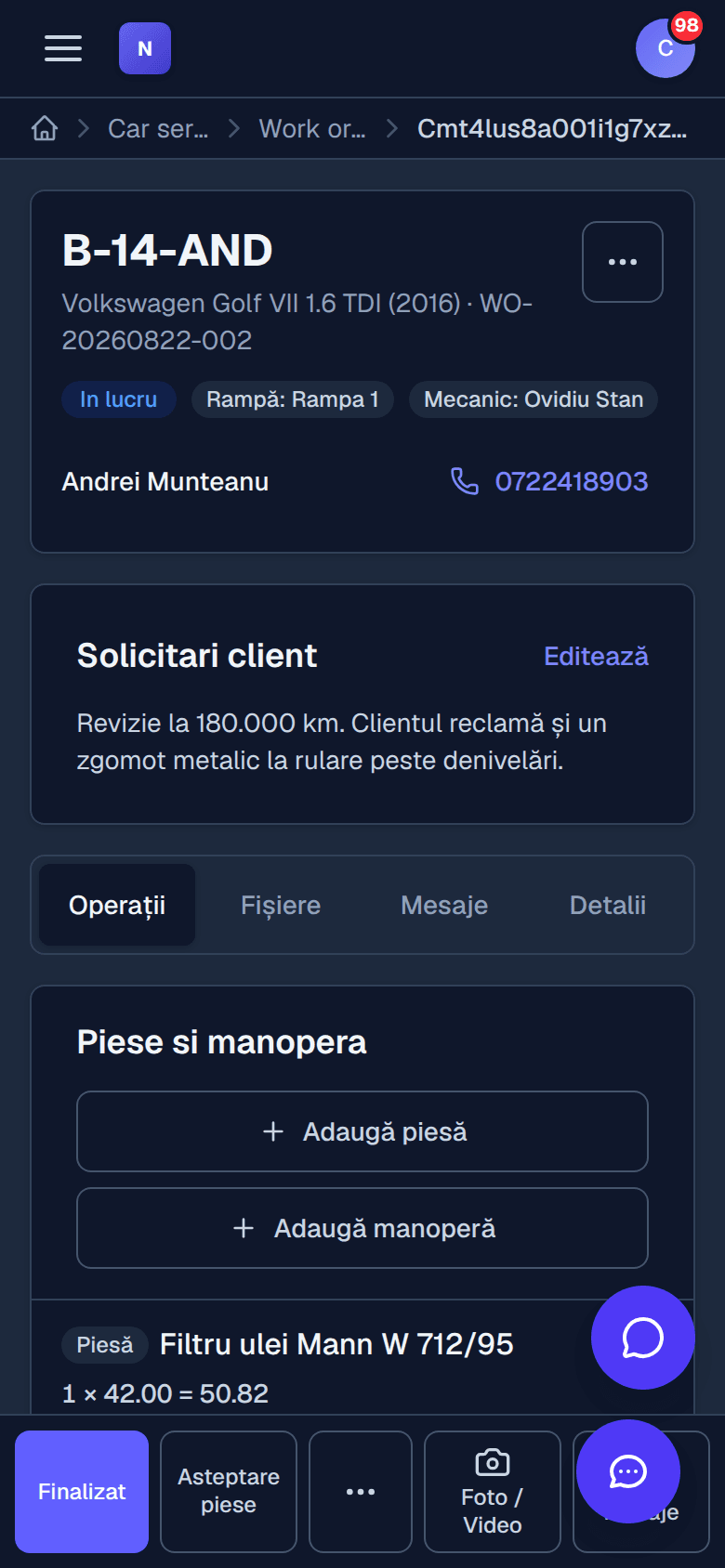
No. The printed job sheet carries a QR code: the mechanic scans it with a phone and lands directly on the work order, where they change status, add parts and labour, upload photos and video from the workshop, and message reception.
What does the document generator actually do?
It is an editor where you build your own PDF documents: invoice, estimate, job sheet, handover report, certificate, quotation. You add blocks — text, table, image, totals, signature, header, footer — and insert parameters that fill themselves in with real customer, vehicle or invoice data.
What does the staff module cover?
Employees and departments with hourly rates, personnel documents, timesheets, shifts, leave requests and payroll elements. The mechanics defined here are the ones you assign to bays and work orders.
See the configuration that fits you
We open a demo account and show you what the flow looks like in your specific case.