Body and paint
Long jobs, with every stage documented.
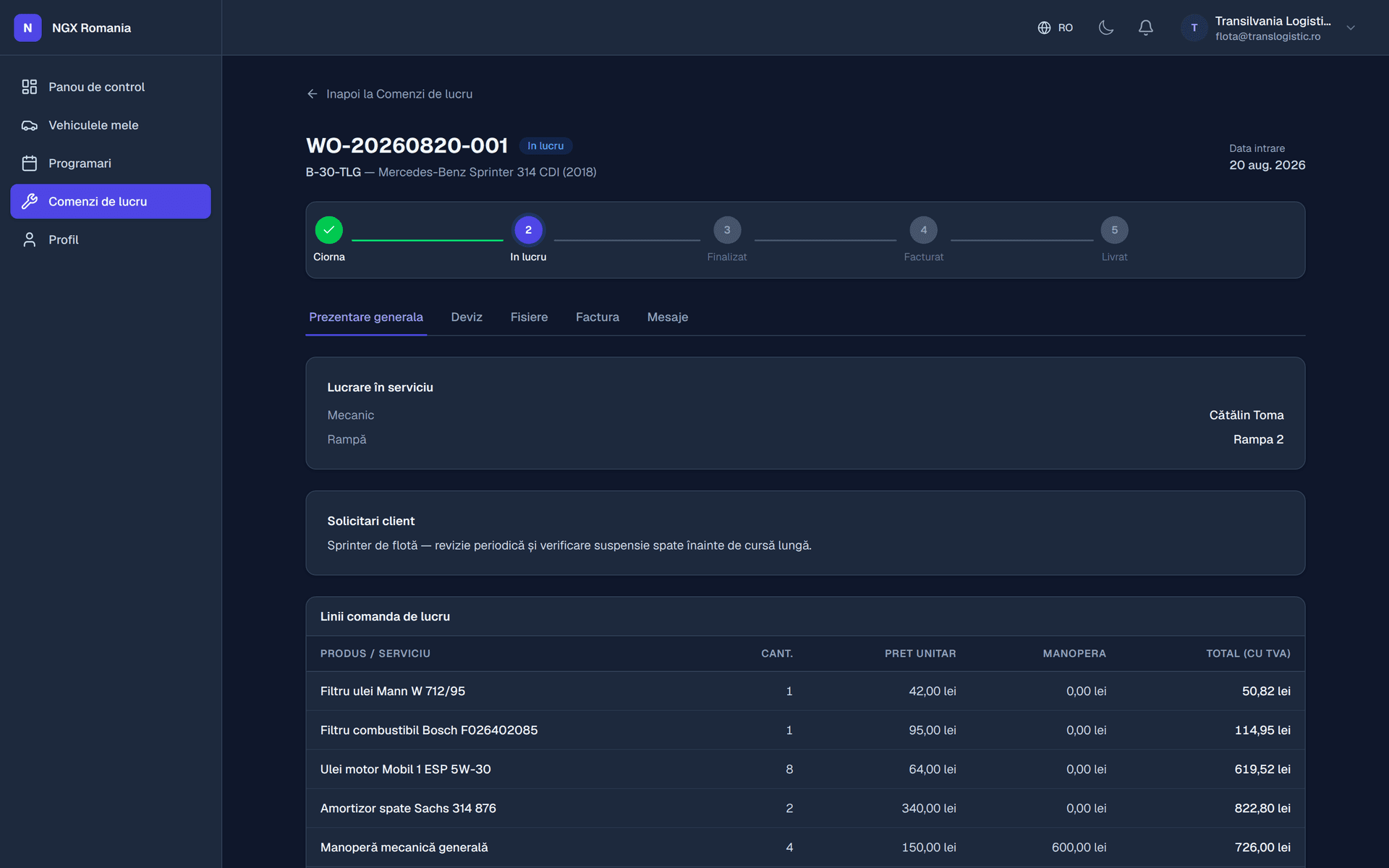
A damaged car sits for weeks and passes through several pairs of hands. Custom statuses show where it is, photos prove what was found and what was done, and an approved estimate keeps the conversation with the insurer on solid ground.
What it solves
The problems of a damage repair shop
- Nobody knows which stage a car is at without asking around
- The car's initial condition is not documented well enough
- The estimate changes several times along the way
- The claim file needs documents you produce by hand every time
- The customer asks weekly when it will be ready
- Materials consumed never reach the cost calculation
The right flow
What a job looks like at your shop
- 01
Inspection with photos
The condition on arrival, photographed and attached.
- 02
Detailed estimate
Parts, labour and materials, sent for approval.
- 03
Custom statuses
Bodywork, preparation, paint, assembly, polish.
- 04
Customer informed
They see the current stage and the photos, in the portal.
- 05
Claim documents
Generated from your templates, with the data filled in.
Recommended modules
Where to start
- Workshop management
Bay calendar, work orders, statuses, QR job sheet.
- Estimates and approval
The customer's agreement, recorded with date and time.
- Invoicing and e-invoicing
Invoice from the order, submitted to the tax authority.
- Customer portal
The customer sees their jobs and approves the estimate.
- Document generator
Your forms, built by you.
Frequently asked questions
Can I document the job with photos and video?
Yes. Photos and clips are uploaded straight onto the work order from a phone and stay attached to the job. They are your evidence of the condition the car arrived in and of the work performed — useful in any discussion with the customer.
What happens if extra work turns up?
You add the new lines to the order and send the estimate for approval again. The customer sees exactly what changed compared with the first version, and you have their agreement before continuing — no arguments at handover.
What does the document generator actually do?
It is an editor where you build your own PDF documents: invoice, estimate, job sheet, handover report, certificate, quotation. You add blocks — text, table, image, totals, signature, header, footer — and insert parameters that fill themselves in with real customer, vehicle or invoice data.
What does the customer see in the portal?
Their vehicles, work orders with current status, the estimate awaiting approval, documents to download, service history and messages with the workshop. It is their account, with their data, so they do not have to call and ask how the car is doing.
How does a job move from reception to handover?
The appointment becomes a work order, the order goes into progress, parts and labour are added, and once the total is ready it moves to awaiting customer for estimate approval. After approval it is completed, the invoice is generated, payment is recorded and the order is handed over. Every step leaves a trace in the history.
See the configuration that fits you
We open a demo account and show you what the flow looks like in your specific case.