Configurations
The same application, fitted to your workshop.
A multi-brand garage and a tyre shop do not work the same way. Bays, statuses, rates and documents are configured differently — and we already know how, for each type.
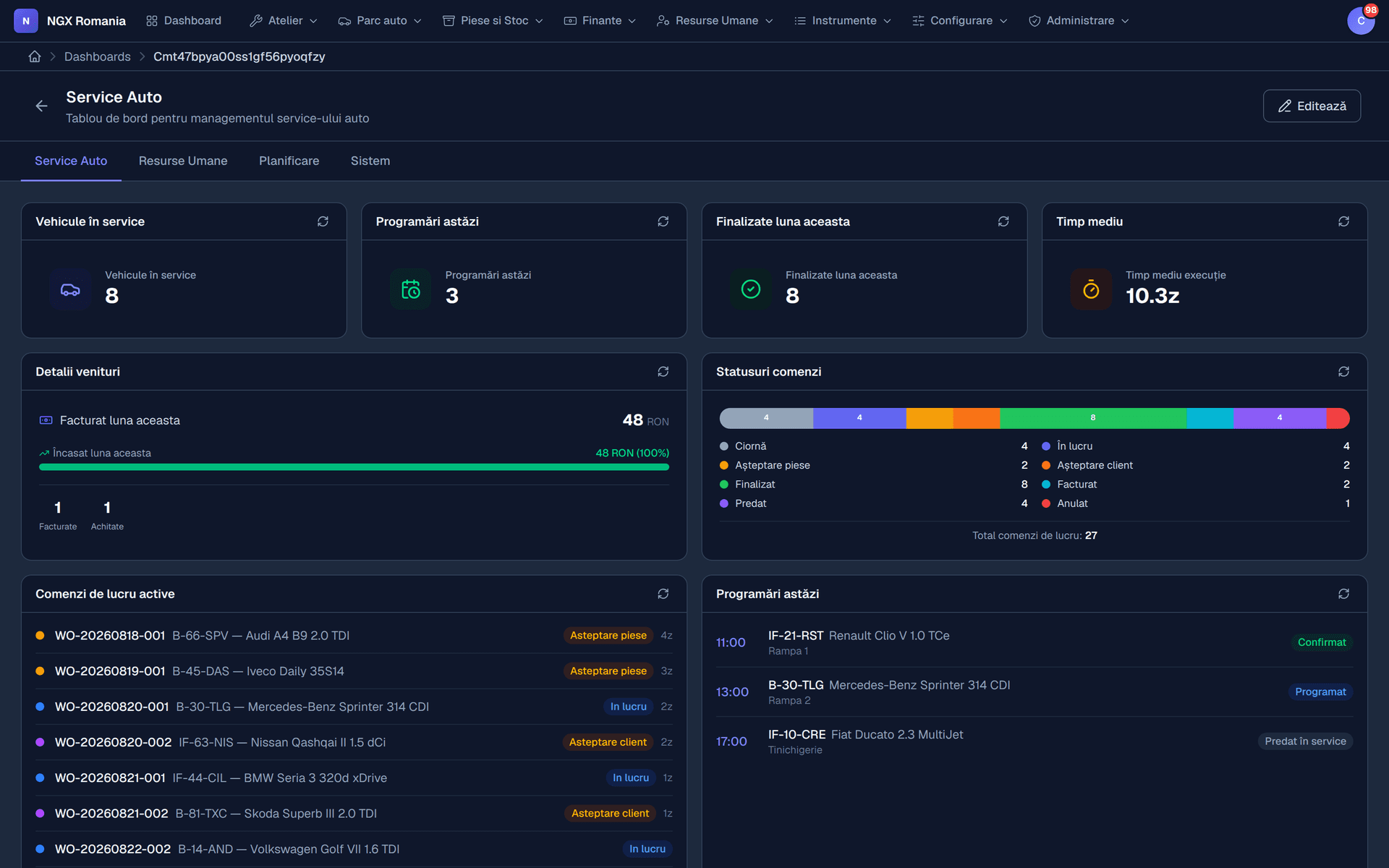
Pick your type
Five ways to use NGX
- Multi-brand workshop
General garage, several bays, varied work and private customers.
- Tyre shop
Seasonal peaks, tyre hotel, short jobs and lots of them.
- Body and paint
Long jobs, insurance files, multiple stages.
- Truck service
Fleets, contracts, roadside work.
- Auto electrical and diagnostics
Diagnostics, fault codes, time billed on investigation.
Frequently asked questions
What kind of workshops is it for?
From single-bay garages to workshops with dozens of bays and several locations. Modules are enabled separately, so a small shop starts with workshop management and invoicing only, while a larger one adds inventory, HR, point of sale and the customer portal.
Do I have to use every module?
No. Modules are enabled per company and the menu only shows what is active. The core — users, roles, settings, documents, notifications, email — is always present, and you switch on only the business modules you need.
How long before I can actually work in the app?
Going live means: create the company and invite users, set the invoice series, currency and VAT rates, add mechanics and bays, and then open your first work order. A small workshop gets through it in an afternoon with the data at hand.
Not sure which one fits?
Tell us how you work and we will show you the right configuration in a 20-minute walkthrough.