Modules
Everything a workshop needs, in one place.
NGX is built on how a garage actually runs: from the phone call asking for a slot to the invoice submitted to the tax authority. Enable only the modules you need.
Operational core
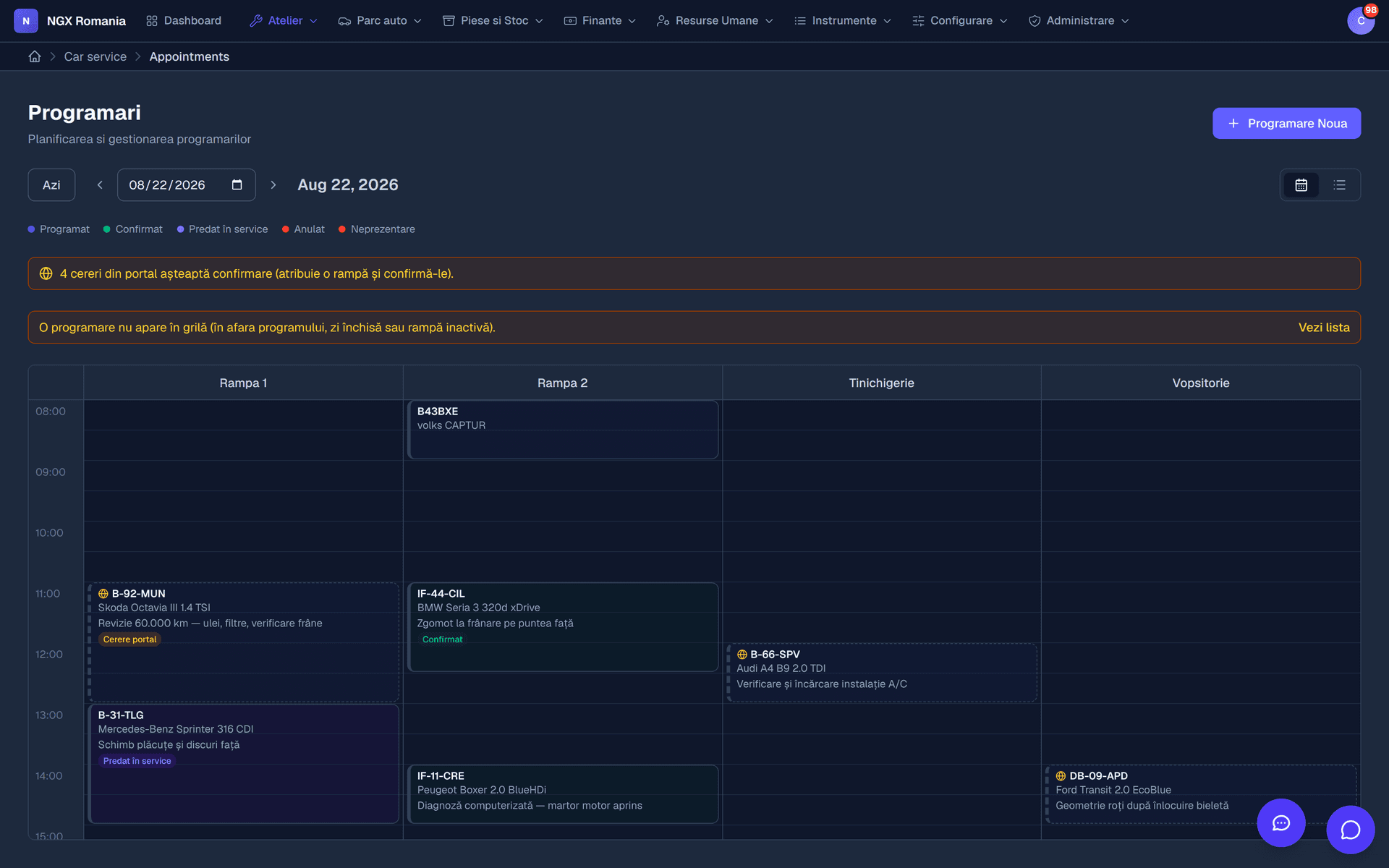
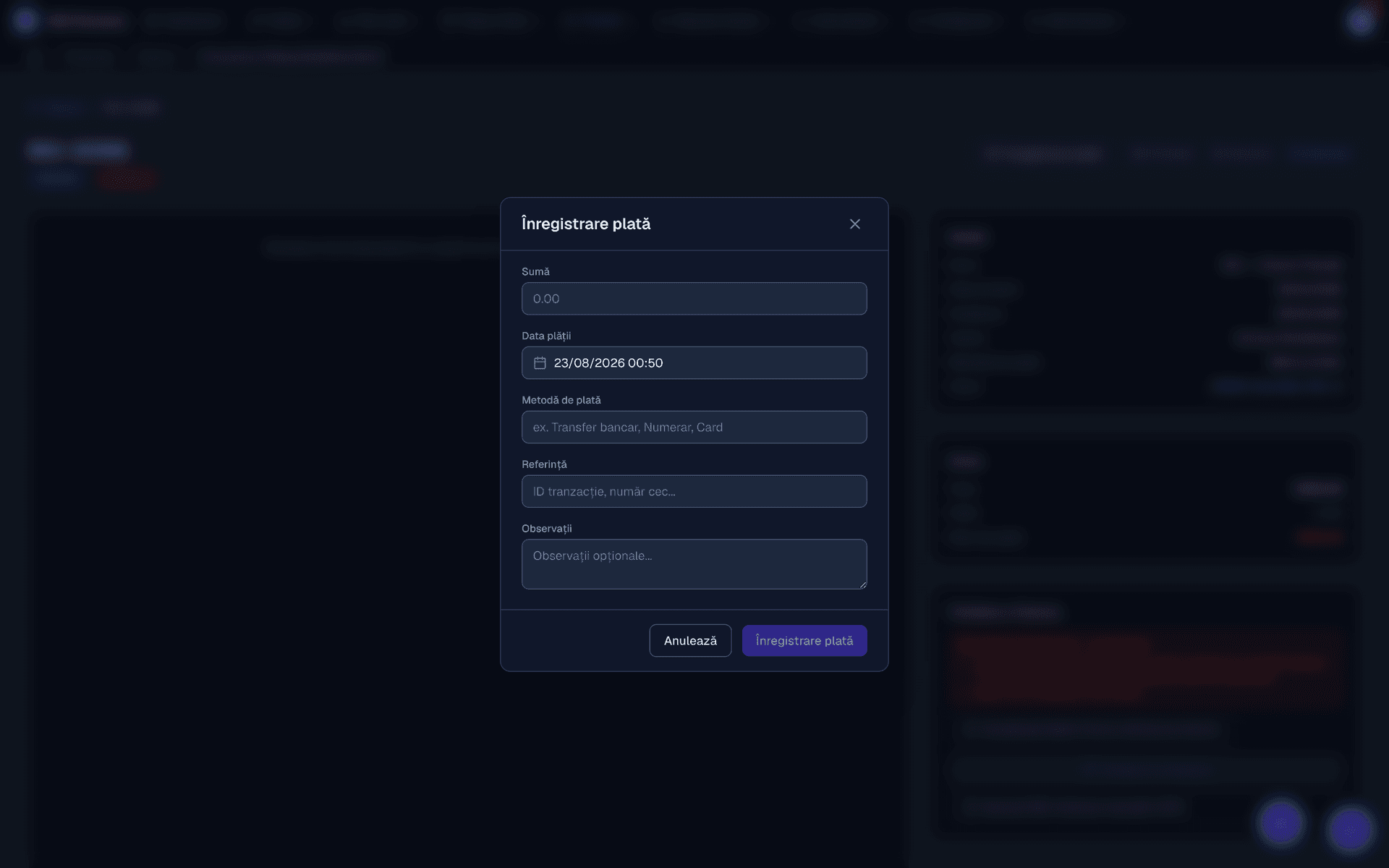
The shop-floor flow
The four modules without which a workshop does not run. The rest come as you grow.
The interface
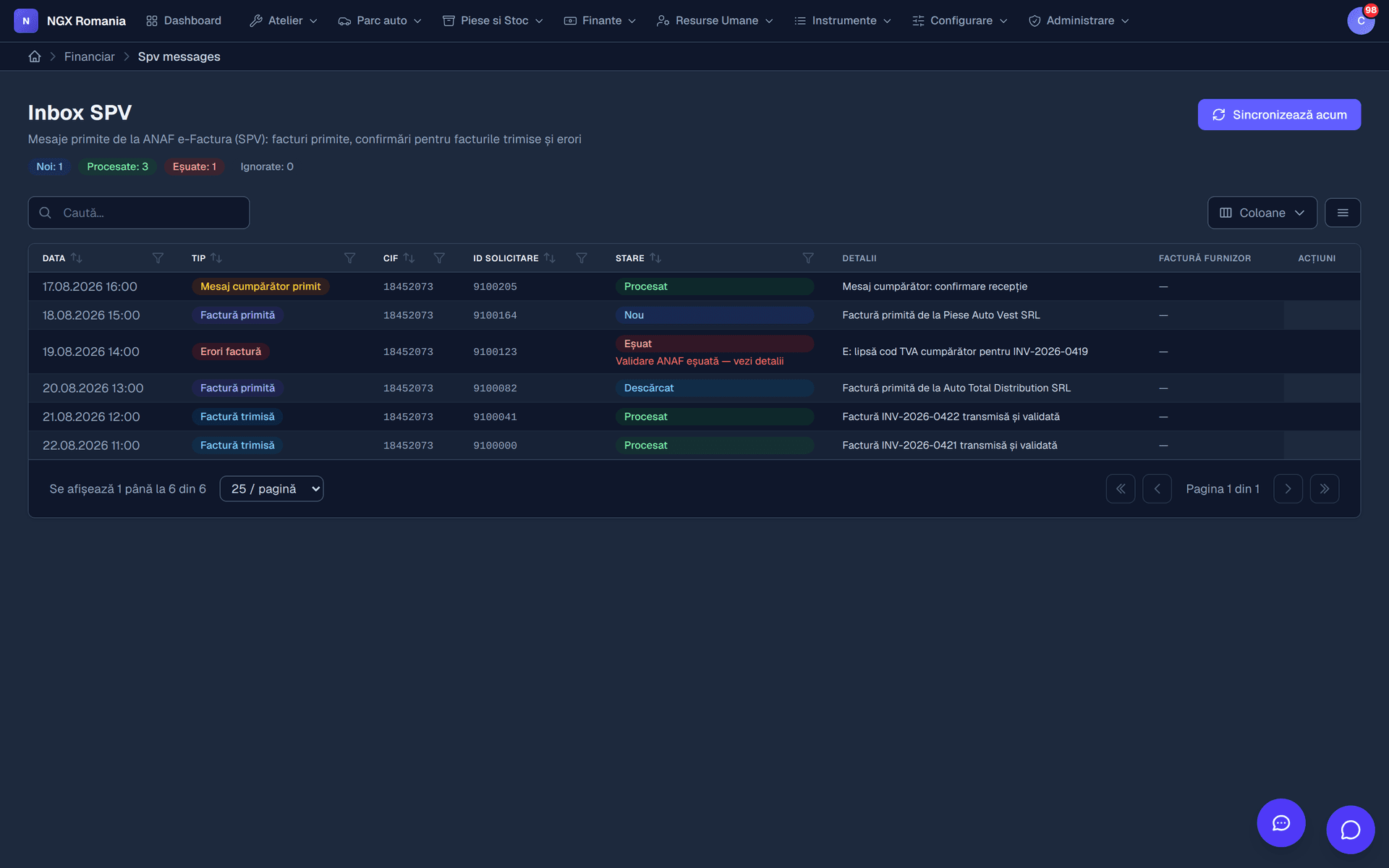
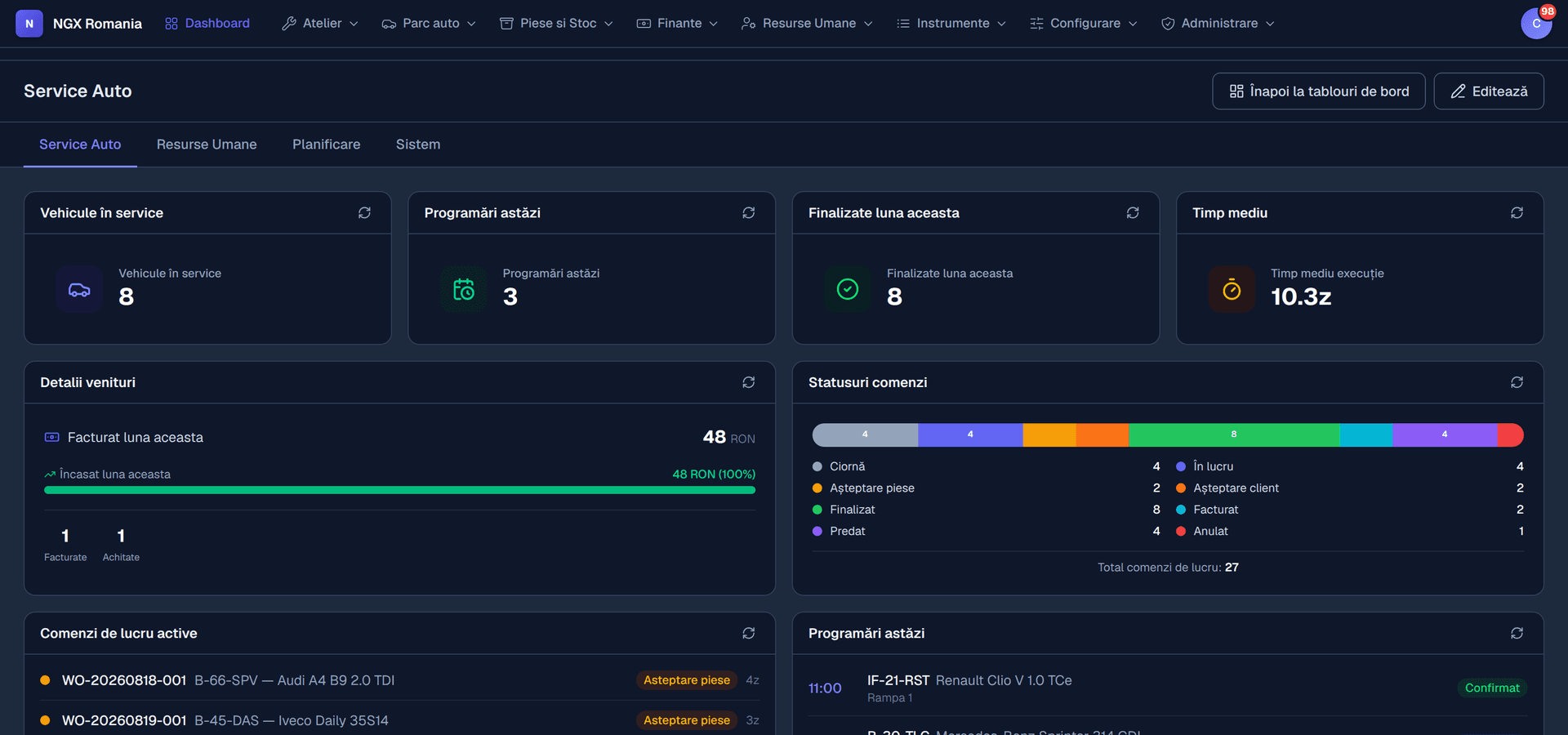
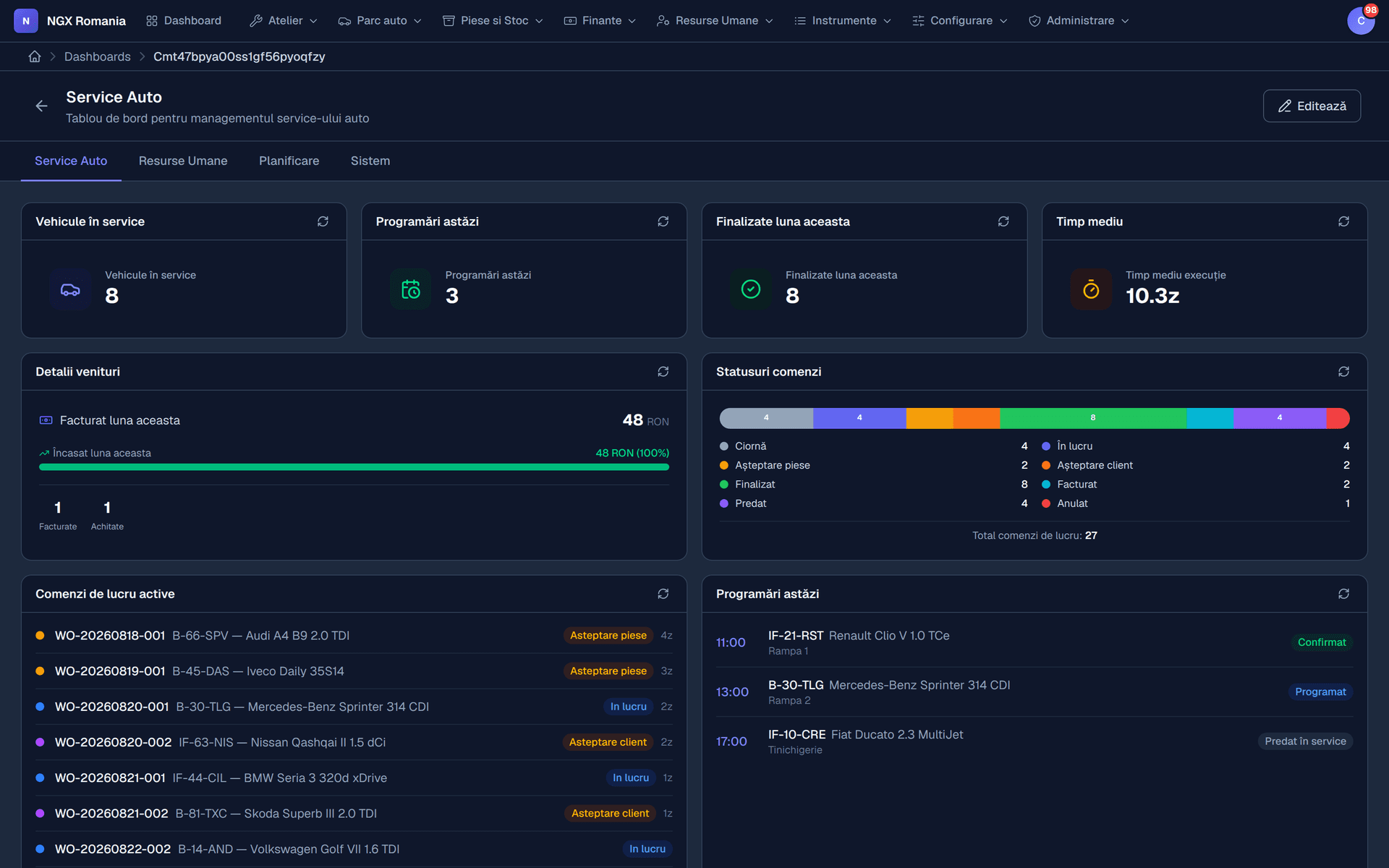
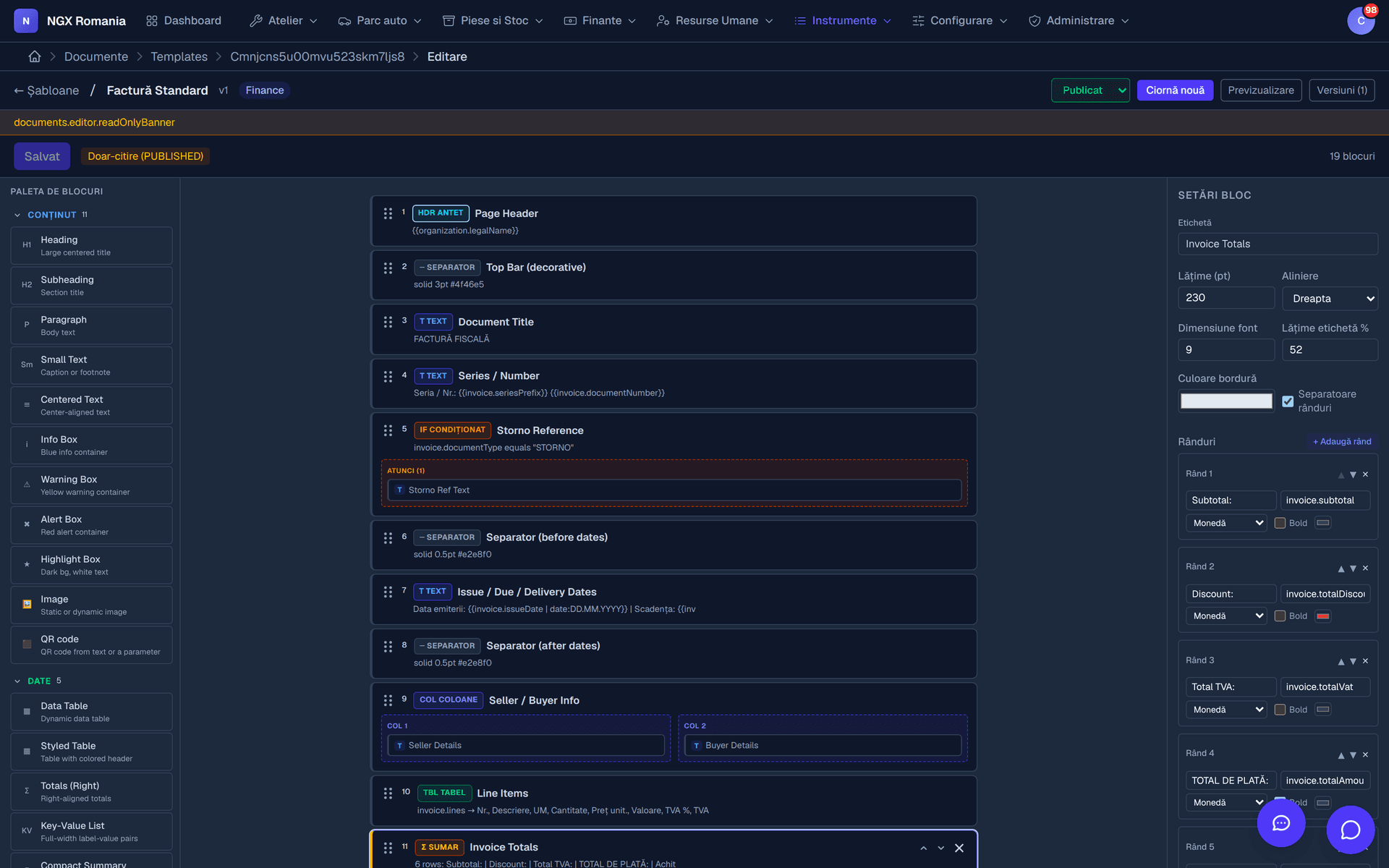
Everything from a single menu bar
Active modules are grouped in the header. The workshop dashboard shows the state of the day without opening a report.
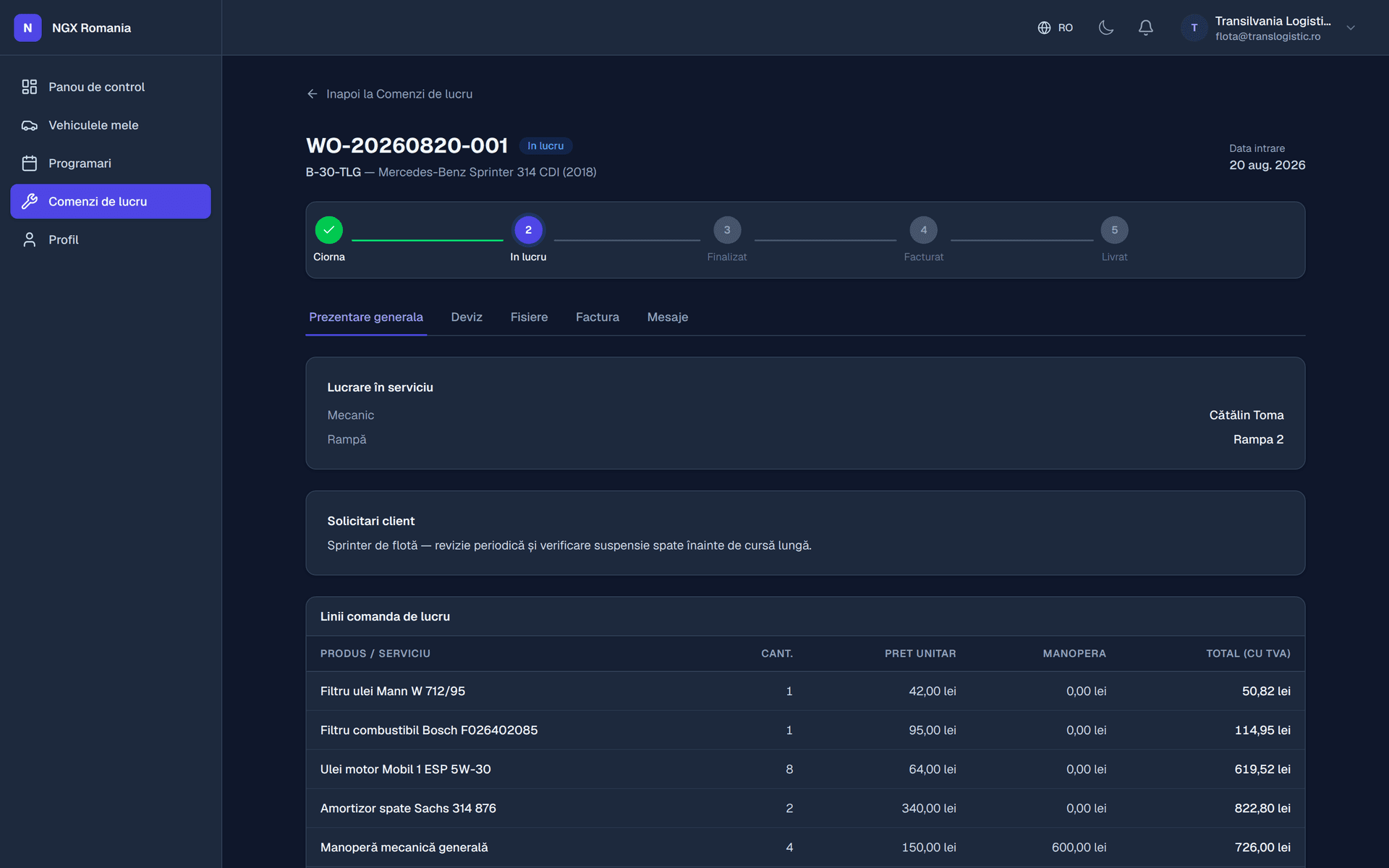
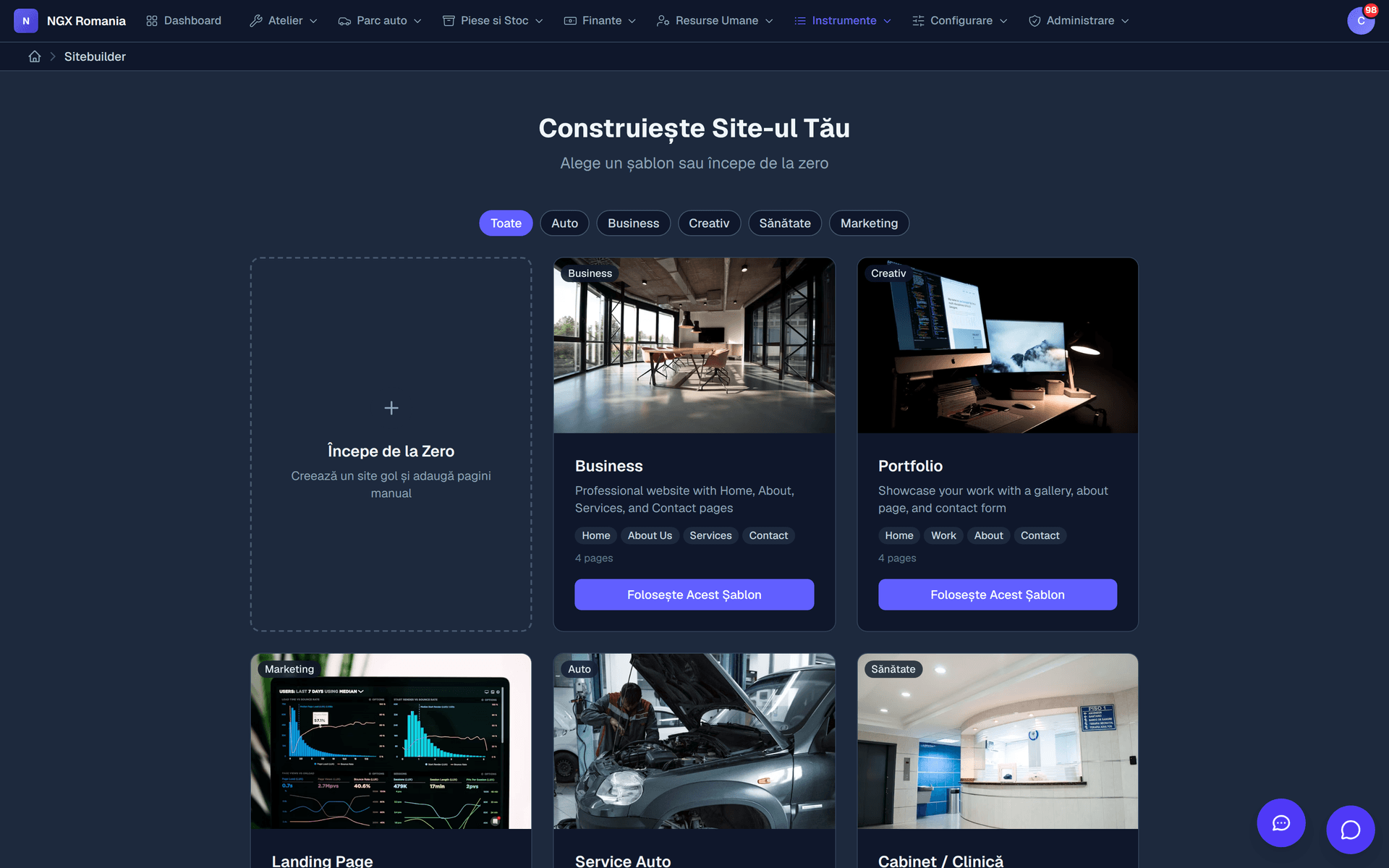
The customer relationship
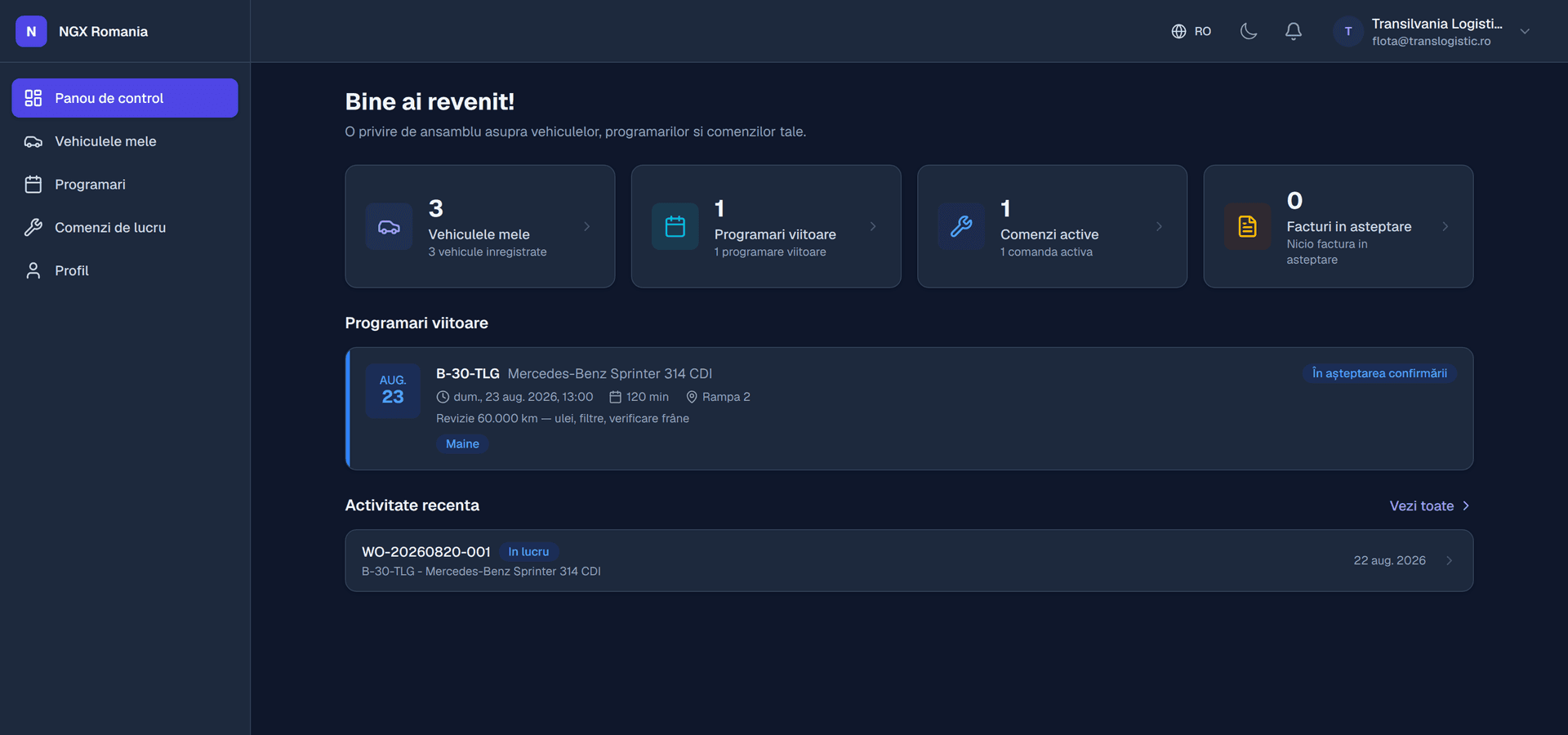
What your customer sees
Administration
The rest of the business
- Parts and inventory
Goods receipts, supplier invoices, automatic consumption on work orders, stock adjustments.
- Staff and timesheets
Mechanics, departments with hourly rates, shifts, leave, payroll.
- Point of sale
Fast counter sales with automatic stock reduction.
- Reports
Dashboards and a visual query builder you can save and reuse.
- Tasks and chat
Tasks, notes, internal chat and an AI assistant over your own data.
- Integrations
Webhooks on events and API keys for external systems.
Everywhere in the app
What you get regardless of the modules enabled
- Users, roles and permissions on every action
- Complete data separation per company, with an organisation switcher
- Audit log and change history for important records
- In-app notifications and customisable automatic emails
- Files and folders with access rights
- PDF document templates for any form
- Global search and a command palette (Ctrl+K)
- Two-factor authentication and account lockout after repeated attempts
- Interface in Romanian and English
- Works on a phone, with nothing to install
Frequently asked questions
Do I have to use every module?
No. Modules are enabled per company and the menu only shows what is active. The core — users, roles, settings, documents, notifications, email — is always present, and you switch on only the business modules you need.
What kind of workshops is it for?
From single-bay garages to workshops with dozens of bays and several locations. Modules are enabled separately, so a small shop starts with workshop management and invoicing only, while a larger one adds inventory, HR, point of sale and the customer portal.
How long before I can actually work in the app?
Going live means: create the company and invite users, set the invoice series, currency and VAT rates, add mechanics and bays, and then open your first work order. A small workshop gets through it in an afternoon with the data at hand.
Is my data separated from other companies?
Yes. Each organisation has its own data — customers, vehicles, work orders, invoices, files — and a user only sees the organisations they belong to. If you run several locations you can keep separate organisations and switch between them from the header.
Can I limit what each employee sees?
Yes. There are global roles, from administrator down to viewer, plus roles within the company, and rights are granted on concrete permissions: who sees vehicles, who edits work orders, who issues invoices, who reaches settings. A mechanic can be restricted to their own jobs, without seeing purchase prices or invoices.
See the modules with your own data
A demo account on demo.ngx.ro, with modules enabled and the full flow, from appointment to invoice.