The flagship
Your workshop's website, without a web agency.
NGX includes a public website builder. You compose the pages from blocks, publish your opening hours and services, and the messages from the contact form land in the app you already work in every day.
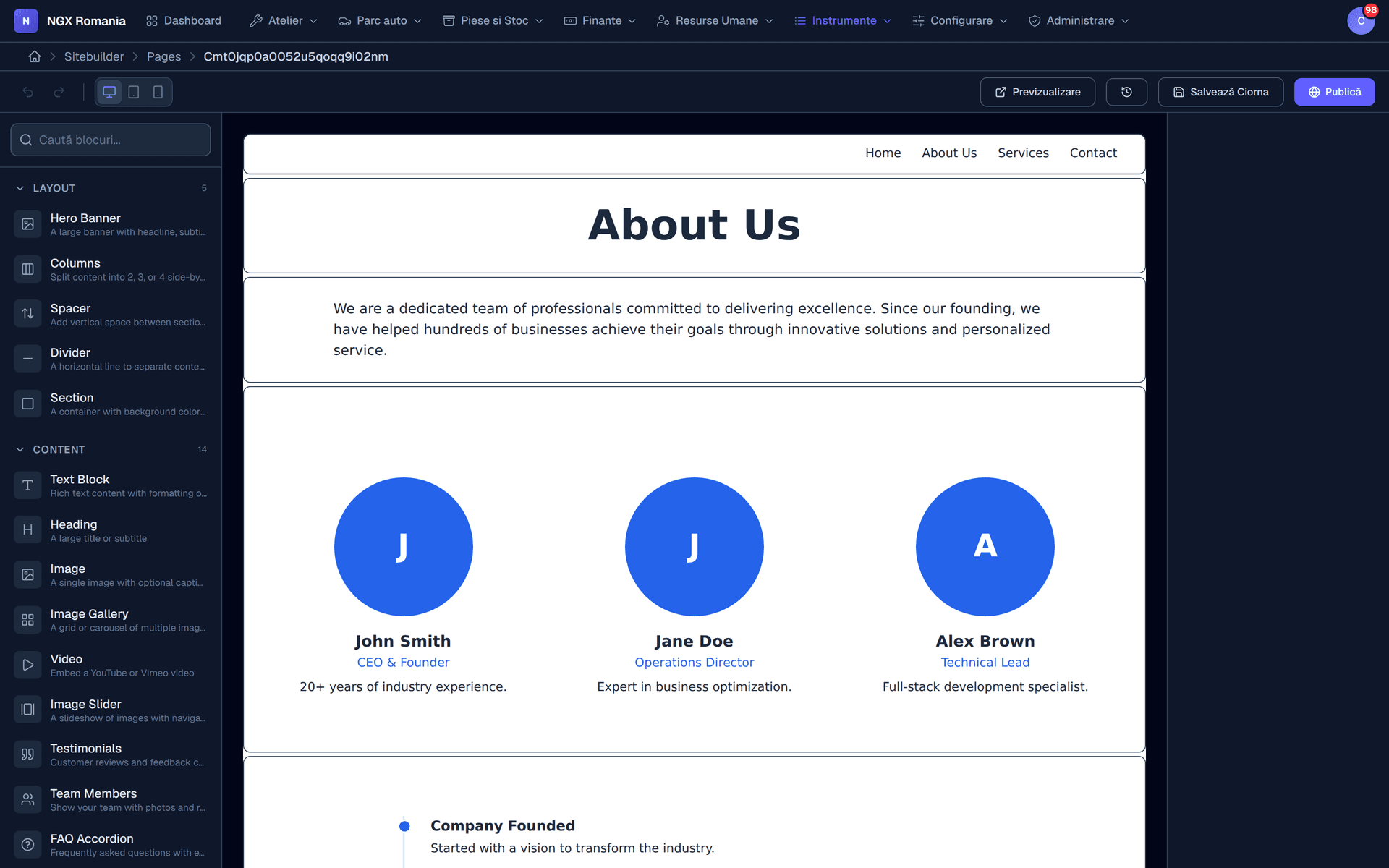
Pages
You build the page from blocks, not from code
Add a page, give it a title and an address, then compose it from ready-made blocks: hero section, services grid, pricing, team, frequently asked questions, map, contact form, call to action.
Each block has its own settings — text, images, colours, alignment. The order changes by dragging, and the page goes live when you are happy with it.
- Blocks for every section from hero and services through to the form and the map.
- Looks right on a phone with nothing to configure separately for mobile.
- Draft and publish work on a page without visitors seeing unfinished changes.
From editor to site
The same page, both ways round
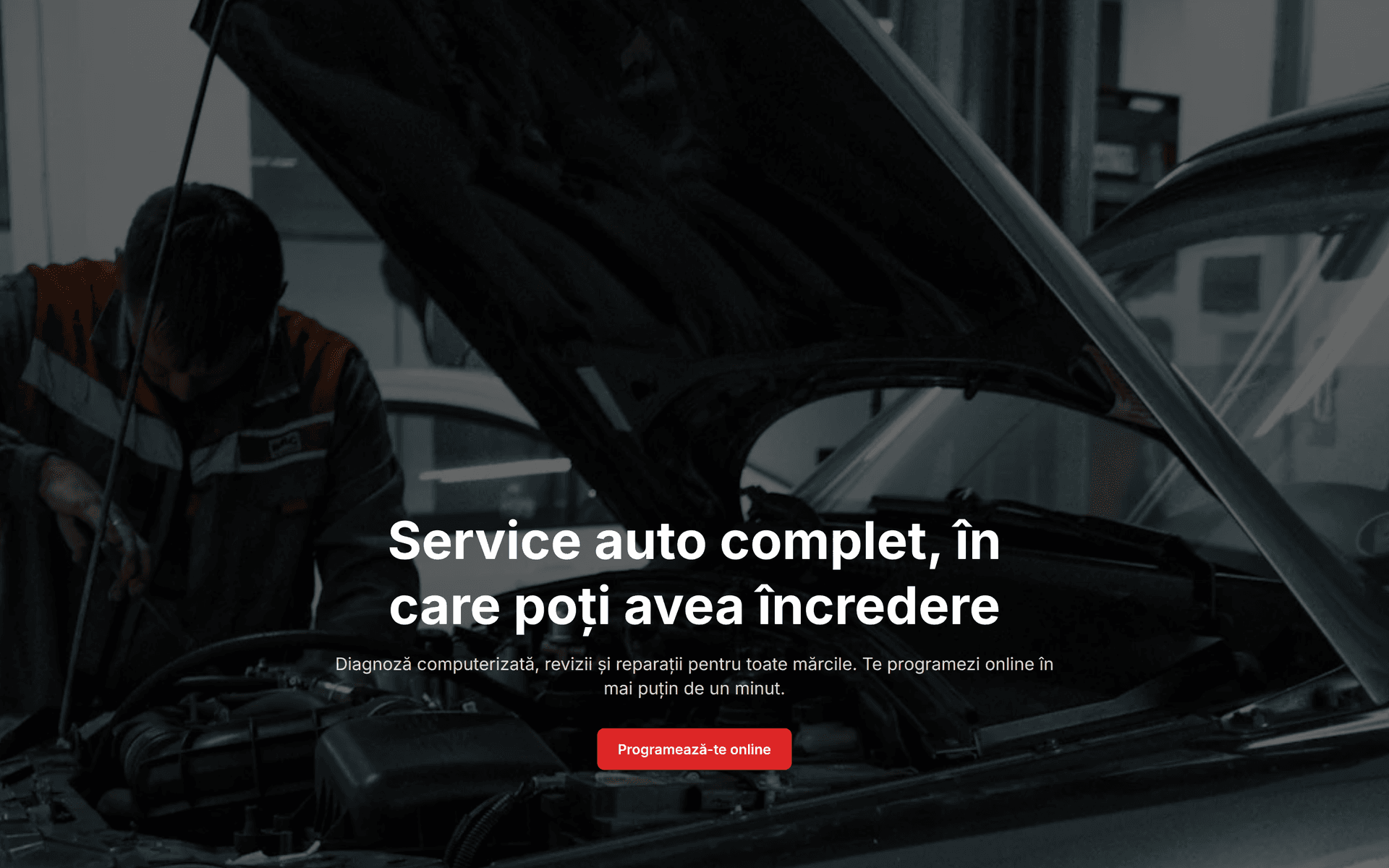
On the left, the page in the editor: the blocks it is built from and the palette you add them from. On the right, that same page exactly as a visitor to your site sees it.
Header, footer, settings
Your identity, defined once
The header and footer are configured separately and apply across the whole site: logo, menu, phone number, opening hours, address, social links.
In the site settings you set the title and description for search engines, the sharing image for social networks and the public address of the site.
- SEO from the interface title, description and sharing image, per page.
- Hours and contact in the header the information a first-time visitor actually looks for.
- Your own 404 page a visitor who lands wrong gets a way out, not a blank screen.
Forms
Messages arrive where you work, not in a forgotten inbox
The contact form on your site sends the message into the app, into the received messages list. Nothing gets lost in an email address somebody checks once a week.
From there, a message can become an appointment in the calendar or a support ticket, with the whole history kept.
- All messages in one list with date, source and content, ready to answer.
- Becomes an appointment a booking request enters the normal reception flow.
- Statistics included see which pages get read and where visitors come from, with no extra tool.
What goes on the site
The pages any serious workshop has
- About: who you are, where you are, since when
- Services: what work you do, on which makes
- Indicative prices or service packages
- Online booking, with a form that reaches reception
- The team and the equipment in the workshop
- Frequently asked customer questions
- Opening hours and a map with your location
- Contact details, phone and WhatsApp
Frequently asked questions
What does building my own website mean?
The app includes a public website builder for your workshop: pages, content blocks, header and footer, contact form, SEO settings and visitor statistics. You build it inside the same app you work in every day, with no web agency involved.
Where do messages from the website go?
Into the app, in the form submissions list, so they do not get lost in an inbox nobody reads. From there they can become appointments or support tickets.
Can I use my own domain?
The public site has its own address within the platform, and connecting your own domain is handled during setup. Tell us which domain you own and we will check it together at installation.
Build your site in the demo account
Put together a few pages, publish them and see how the public site looks before making any decision.